
The interview and your photos
How the call works, how to join, and how to add photos that go with your story.
Once we have found a time that works, the rest is easy. Your interview is a relaxed video chat, and you can add a few photos to go alongside your story. This page walks you through both. If you still need to pick a time, see finding a time first.
Joining your interview
When your time is confirmed, your story page shows Scheduled for with the date and time, along with a Join the call button. At the time of your interview, click that button and it opens your meeting link to start the video call.
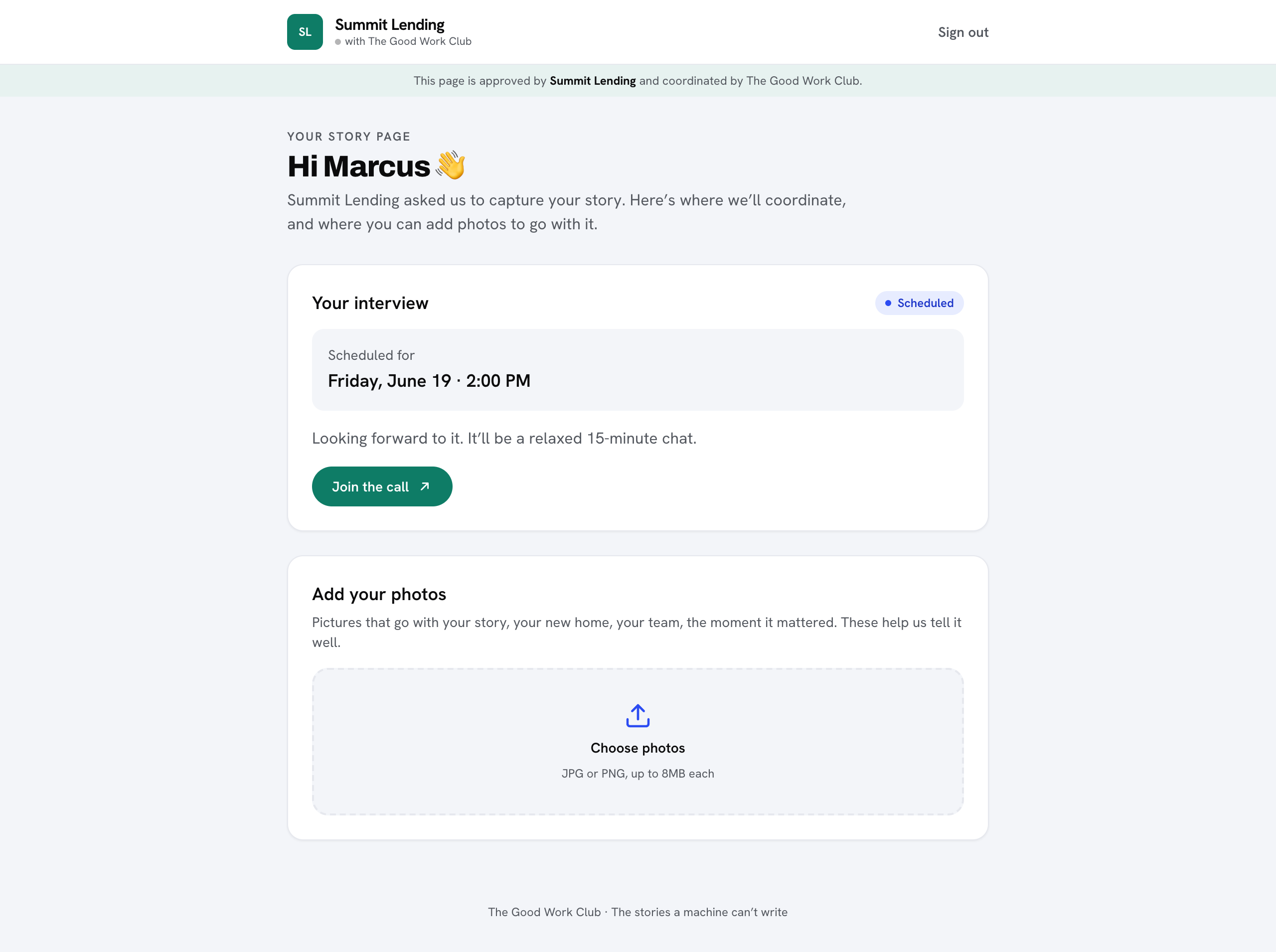
The chat is relaxed and takes about fifteen minutes. We simply ask about your experience, so there is nothing to prepare.
Adding your photos
You can add photos that go with your story, like your new home, your team, or the moment that mattered. Look for the Add your photos section on your story page.
-
Click "Choose photos"
Pick the JPG or PNG images you want to include. Each one can be up to 8MB.
-
Click "Upload"
Your chosen photos are added to your story.
After the interview
Once we have spoken, we write everything up, so there is nothing else you need to do. We let the business know when the story is ready. Nothing is published without your consent, so you stay in control throughout.